
Topic collection
Online Reputation Management guides
Online reputation management connects public feedback with verified decisions and clear response ownership. These guides help teams distinguish routine criticism from credible risk, choose public or private reply routes, and keep customer cases moving across departments.
Start with the reputation audit to establish a baseline. Then use the response matrix and crisis plan to define escalation, approval authority and recovery criteria before a difficult conversation arrives.
Online Reputation Management: Build a Response System That Holds Up
Build an online reputation management response system with clear scope, escalation rules, evidence, ownership, and review limits.
How to Run a Brand Reputation Audit Before a Problem Escalates
Run a reputation audit that checks brand promises, channel coverage, response quality, unresolved cases, and the evidence behind your findings.
How to Respond to Negative Social Comments Without Making the Problem Worse
Respond to negative social comments with accurate acknowledgment, safe handling of personal details, a useful next step, and documented follow-up.
A Social Media Crisis Plan Your Team Can Actually Use
Build a social media crisis plan with activation criteria, a verified fact log, clear response authority, channel coordination, and a tested closeout process.
Public vs. Private Replies: Choosing the Right Response Route
Choose public or private social replies based on audience needs, personal information, investigation requirements, and the evidence needed to close the case.
Build a Reputation Response Matrix With Clear Escalation Rules
Create a reputation response matrix that connects issue severity, evidence confidence, response authority, escalation owners, and next-update commitments.
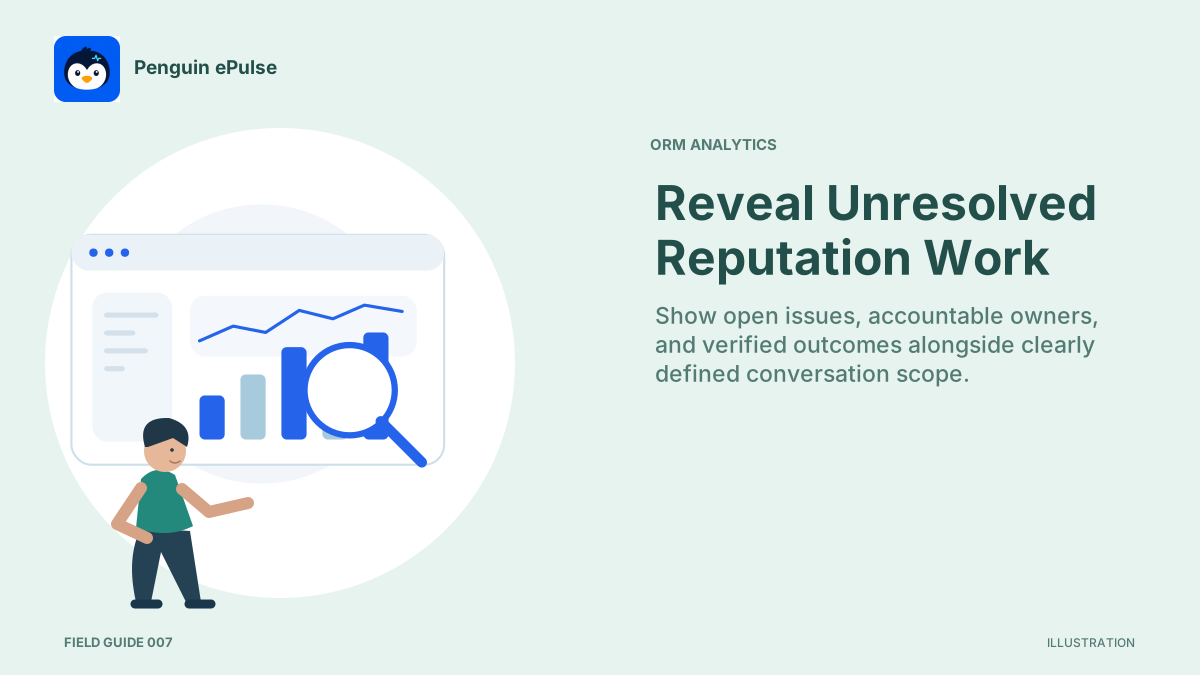
ORM Analytics: Build a Reputation Management Dashboard
Use ORM analytics to review reputation risks, unresolved cases, response decisions, and coverage limits in a reputation management dashboard.

Review Management vs. Social Reputation: Separate the Workflows
Separate review management from social reputation work while connecting evidence, customer cases, moderation decisions, and recurring operational problems.
A Brand Risk Taxonomy for Social Conversations
Create a brand risk taxonomy that distinguishes issue type, potential harm, evidence confidence, affected audience, and the specialist route for review.

Online Reputation Management Software: Evaluate the Response Workflow
Evaluate online reputation management software for source scope, case ownership, routing, permissions, and a response workflow your team can verify.