
Built around the work your industry needs.
Explore 40 practical workflows across six industries. Start with the question your team needs to answer, then explore content, conversations, market research, Editorial Desk and lead-focused planning.

Illustrative industry scenes · Anonymous workflows, not customer stories.
Research, create and follow through.
See how teams can use source-linked intelligence, creative formats, media and lead-focused planning. Editorial Desk is available in your signed-in workspace.

Build a source-reviewed patient education FAQ and webinar
healthcare / FAQ & Webinar Studio
Read the workflow →
Build a source-linked pharma market evidence brief
Read the workflow →
Turn a technical webinar into an answer library
it / FAQ & Webinar Studio
Read the workflow →
Build a model-launch image and short-video kit
Read the workflow →
Give a seasonal retail campaign a measurable next step
Read the workflow →
Give each client a source-linked market evidence brief
Read the workflow →Choose your industry.

Healthcare
People arrive at a healthcare social channel with very different needs: a practical service question, a request for reliable information, or a concern about their experience.
Explore healthcare use cases →
Pharma
Pharmaceutical communications move between education, product questions and specialist review.
Explore pharma use cases →
IT
An IT buyer may discover a product through a launch post, ask a technical question in a comment, and return weeks later with a more specific problem.
Explore it use cases →
Automobile
Automotive social teams handle model discovery, dealership questions and ownership concerns in the same feed.
Explore automobile use cases →
Retail
A retail campaign does not end when a post goes live.
Explore retail use cases →
Agency
Agency work becomes harder when the brief, conversation history and performance explanation live in different places.
Explore agency use cases →From a signal to the next piece of work.
These Demo Brand views show the workspace behind the examples. Industry scenes and outcomes are illustrative; Editorial Desk access, media providers and source coverage depend on the workspace.
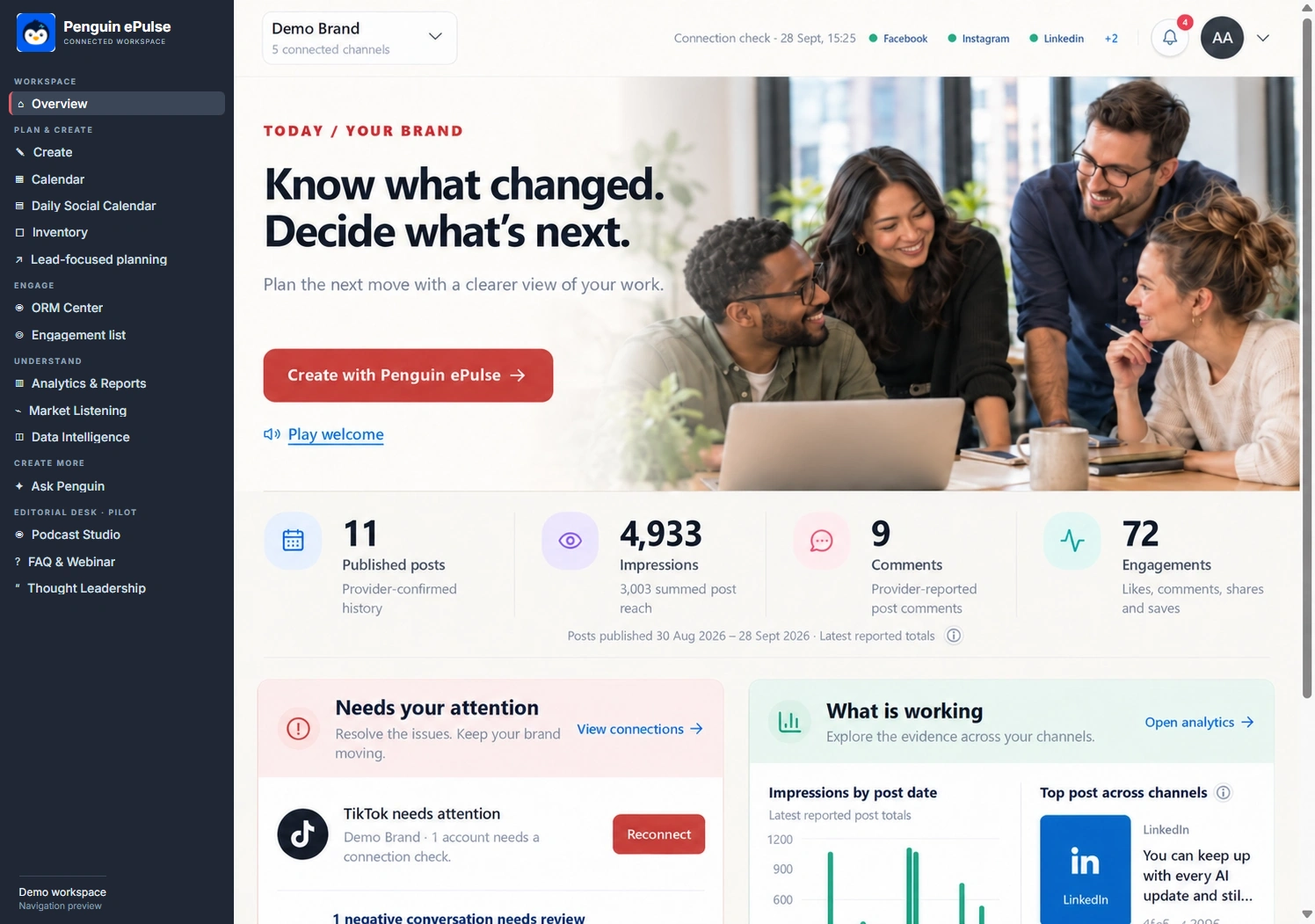
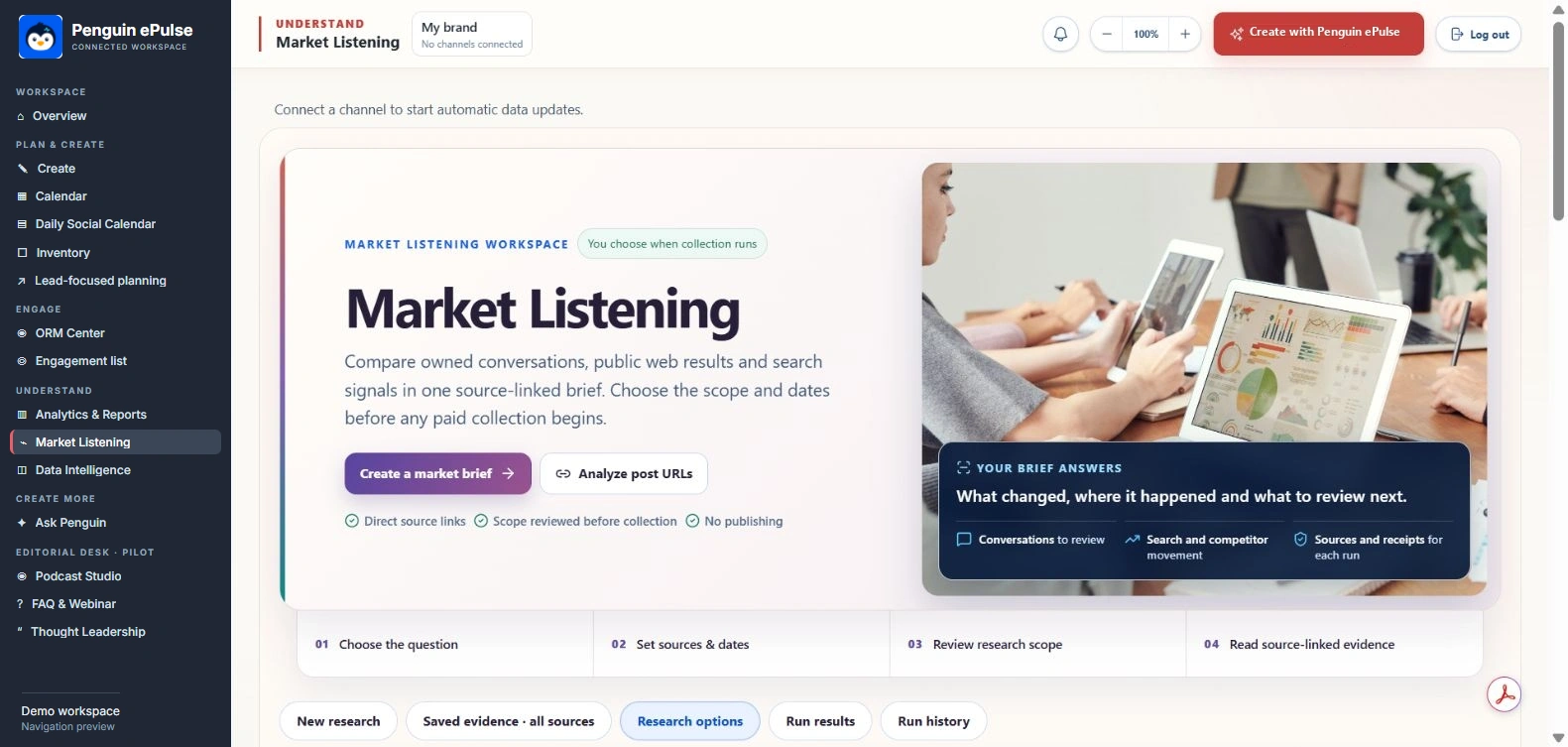
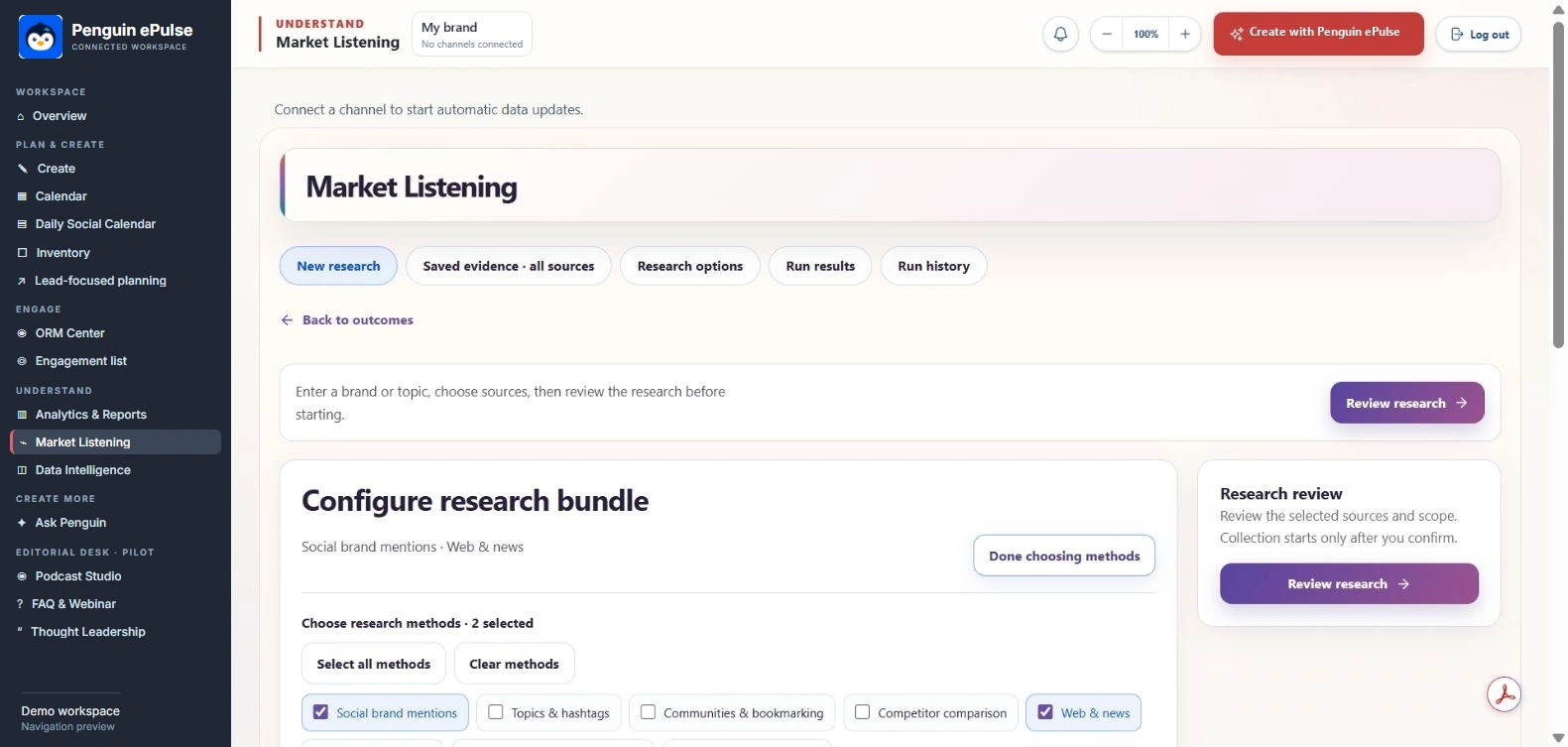
Start with a real workflow.
Explore how teams can review a service conversation, assess a campaign, answer a technical question or research a buying signal. Each example shows the situation, practical steps and evidence to evaluate.
One platform. Different operating questions.
A content planner needs a clear sequence. A community reviewer needs the original conversation. A researcher needs an inspectable source. A reporting lead needs a metric that answers the business question. The right workflow depends on which decision your team needs to make next.
Every detailed example maps that decision to documented Penguin ePulse surfaces: Create, Inventory, Calendar, ORM Center, Analytics and Reports, Market Listening, Data Intelligence, lead-focused planning or Editorial Desk. Scope, connection and specialist-review requirements stay visible so a useful workflow does not become an unsupported product promise.
Questions before you explore
Which industries are covered?
Healthcare, Pharma, IT, Automobile, Retail and Agency. Each industry has six or seven detailed workflows with a situation, practical steps, product-feature mapping, evaluation metrics and reader questions.
Are the examples based on named customers?
No. These are illustrative, anonymous operating scenarios. No customer names, results, certifications or guarantees are implied.
How do we choose the right use case?
Choose a task you already handle and bring an anonymized example to a demo. Verify the exact account, permissions, source coverage and handoff required for that task.
Bring one real task. Leave with a clearer evaluation.
Choose an industry example and use it to shape your product walkthrough. Check the sources, actions and evidence your team needs before committing to a broader rollout.