Set the customer action
Choose the collection page, store visit or inquiry that the content should support.
 Penguin ePulse
Plan retail content, questions and the chosen action in Penguin ePulse so a seasonal campaign can be reviewed beyond impressions.
See this workflow in a demo
Write the offer and intended action before making posts, then give each channel a clear owner for product questions and follow-up.
A seasonal collection launches with a visual calendar and attractive engagement numbers. The merchandising team still cannot tell which questions stopped shoppers from taking the next step.
Use lead-focused planning to connect product facts, channel copy and response ownership. A campaign plan is not a guarantee of checkout or a substitute for commerce analytics.
Use this view to frame a real evaluation with your team. The industry scenario is illustrative; the screenshot shows Demo Brand example data.
Explore lead-focused planning →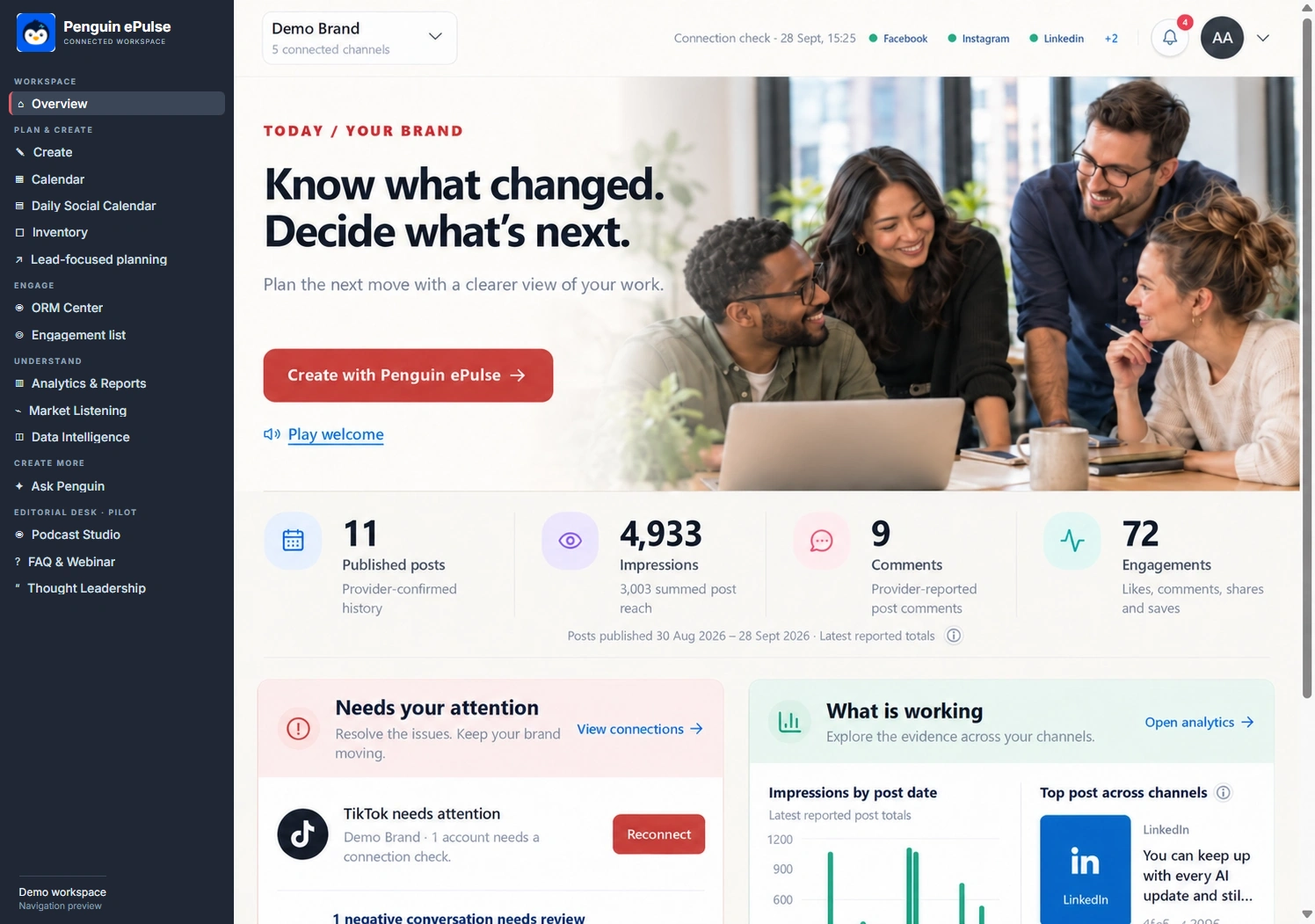
Choose the collection page, store visit or inquiry that the content should support.
Verify price, stock, dates and exclusions before a visual is approved.
Assign who will answer sizing, availability and delivery questions.
Compare relevant questions and qualified visits with the post sequence.
Track the selected action where measurement is available, alongside unresolved product questions. Keep impressions in a separate reach column.
Related guidance: FTC advertising and marketing basics. Check the current source and your own review requirements before publication.
See the relevant Penguin ePulse feature, or bring this workflow to a demo.
No. Sales attribution depends on connected commerce and analytics systems.
Reach shows exposure; a useful action answers a different business question.