Collect recurring questions
FAQ & Webinar Studio
Group questions about appointments, preparation and general education. Route personal clinical questions to the approved care channel.
 Penguin ePulse
Healthcare / FAQ & Webinar Studio
Organize recurring patient education questions into a reviewed FAQ and webinar draft using Penguin ePulse, with Editorial Desk access in your workspace.
See this workflow in a demo
Start with approved patient information, group real questions by intent, and let qualified reviewers approve every answer before an FAQ or webinar is released.
A clinic sees the same preparation and appointment questions across posts, event registrations and service messages. Each team has a slightly different answer. The communications lead needs a clear source for the answer and a way to separate general education from personal care requests.
Gather the questions without copying patient details into a public brief. The FAQ & Webinar Studio can shape an editable answer set and session outline from approved material. It does not replace clinical review or a patient portal.
Use this view to frame a real evaluation with your team. The industry scenario is illustrative; the screenshot shows Demo Brand example data.
Explore Editorial Desk →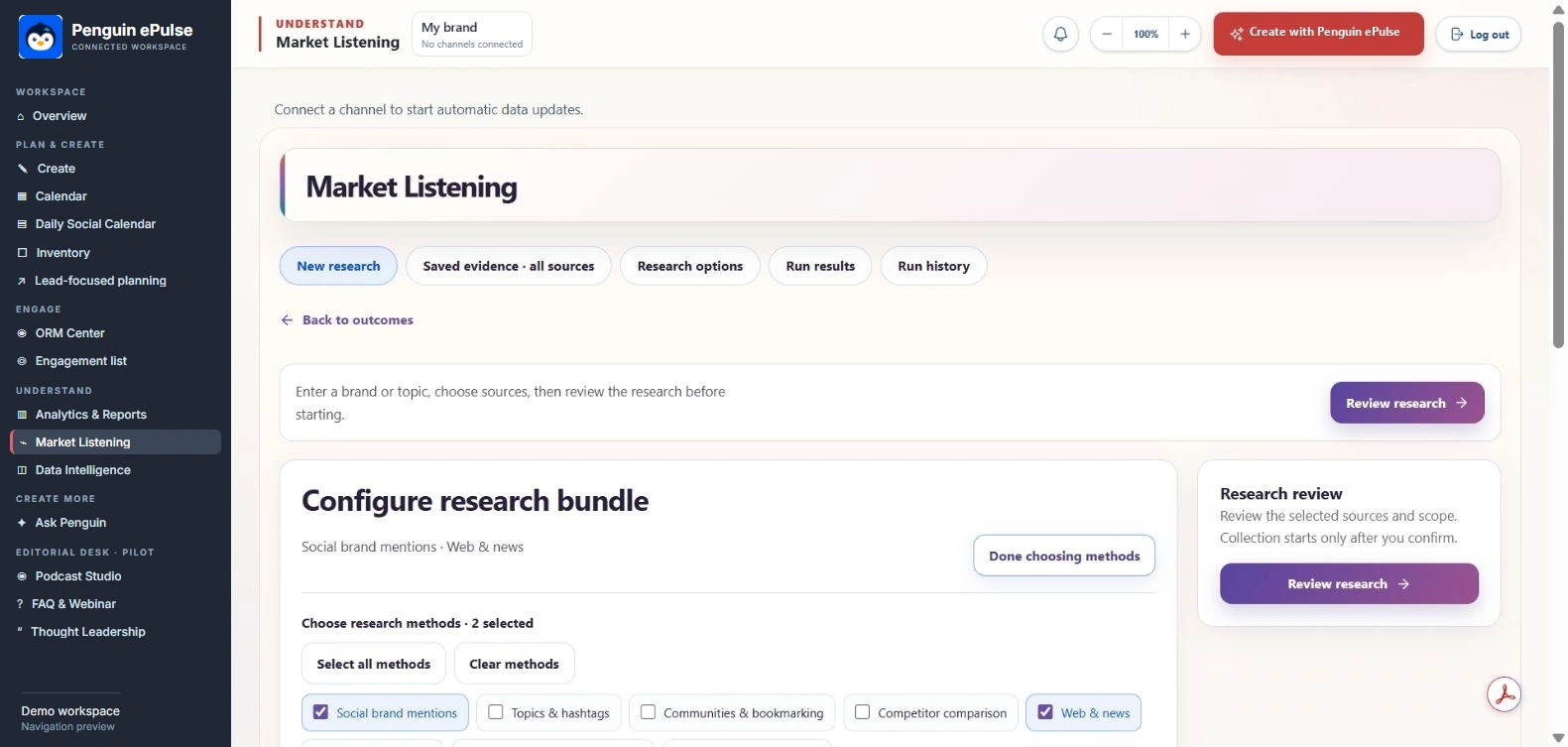
FAQ & Webinar Studio
Group questions about appointments, preparation and general education. Route personal clinical questions to the approved care channel.
FAQ & Webinar Studio
Link each proposed answer to current clinic material. Flag gaps instead of filling them with an unsupported claim.
FAQ & Webinar Studio
Turn the answer set into an opening, three practical sections and a closing list of next steps.
FAQ & Webinar Studio
Have the clinical owner verify wording, accessibility and escalation paths before publishing the final version.
Check how many recurring general questions have a current approved answer and how quickly incorrect or outdated material is corrected. Do not treat a drafted webinar as a clinical outcome.
Related guidance: CDC plain-language health communication. Check the current source and your own review requirements before publication.
See the relevant Penguin ePulse feature, or bring this workflow to a demo.
No. It organizes source material for review; clinical advice and patient-specific decisions belong to qualified teams.
No. It is a private pilot and requires an enabled workspace.