Collect real questions
FAQ & Webinar Studio
Group installation, security and operating questions without inventing audience demand.
 Penguin ePulse
IT / FAQ & Webinar Studio
Use a reviewed technical webinar to prepare source-linked FAQs and follow-up content with Penguin ePulse FAQ & Webinar Studio.
See this workflow in a demo
Capture the questions engineers actually ask, tie each answer to the current product documentation, and reuse only the expert-reviewed material.
An IT team answers the same integration question in a webinar, a community thread and a sales follow-up. The answers drift as the product changes. A reviewed answer library preserves the version and evidence behind each explanation.
Start with current documentation and an expert-reviewed transcript. The FAQ workflow can structure an editable FAQ and webinar follow-up, while engineering and product owners decide what is accurate enough to publish.
Use this view to frame a real evaluation with your team. The industry scenario is illustrative; the screenshot shows Demo Brand example data.
Explore Editorial Desk →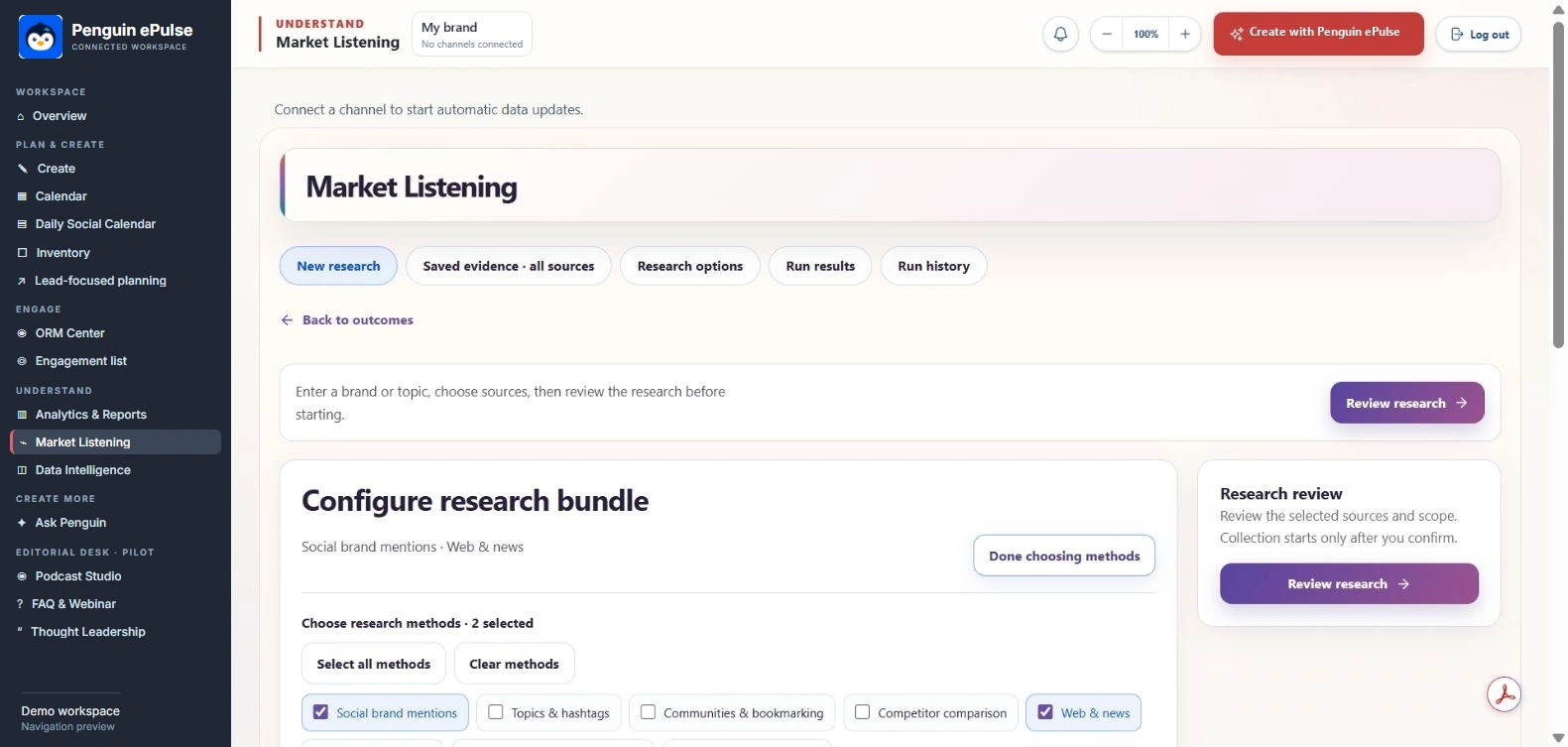
FAQ & Webinar Studio
Group installation, security and operating questions without inventing audience demand.
FAQ & Webinar Studio
Tie each answer to the current release notes or documentation; mark unsupported environments.
FAQ & Webinar Studio
Create a short answer, a fuller explanation and a webinar segment from the same approved source.
FAQ & Webinar Studio
Have the technical owner approve the answer and set a refresh trigger for product changes.
Track corrected answers and unresolved questions alongside qualified follow-up conversations. Page views alone do not prove a technical question was answered.
Related guidance: Google guidance on helpful, people-first content. Check the current source and your own review requirements before publication.
See the relevant Penguin ePulse feature, or bring this workflow to a demo.
No. The technical owner must verify and publish documentation changes.
No. This specialist workflow is in private pilot.