
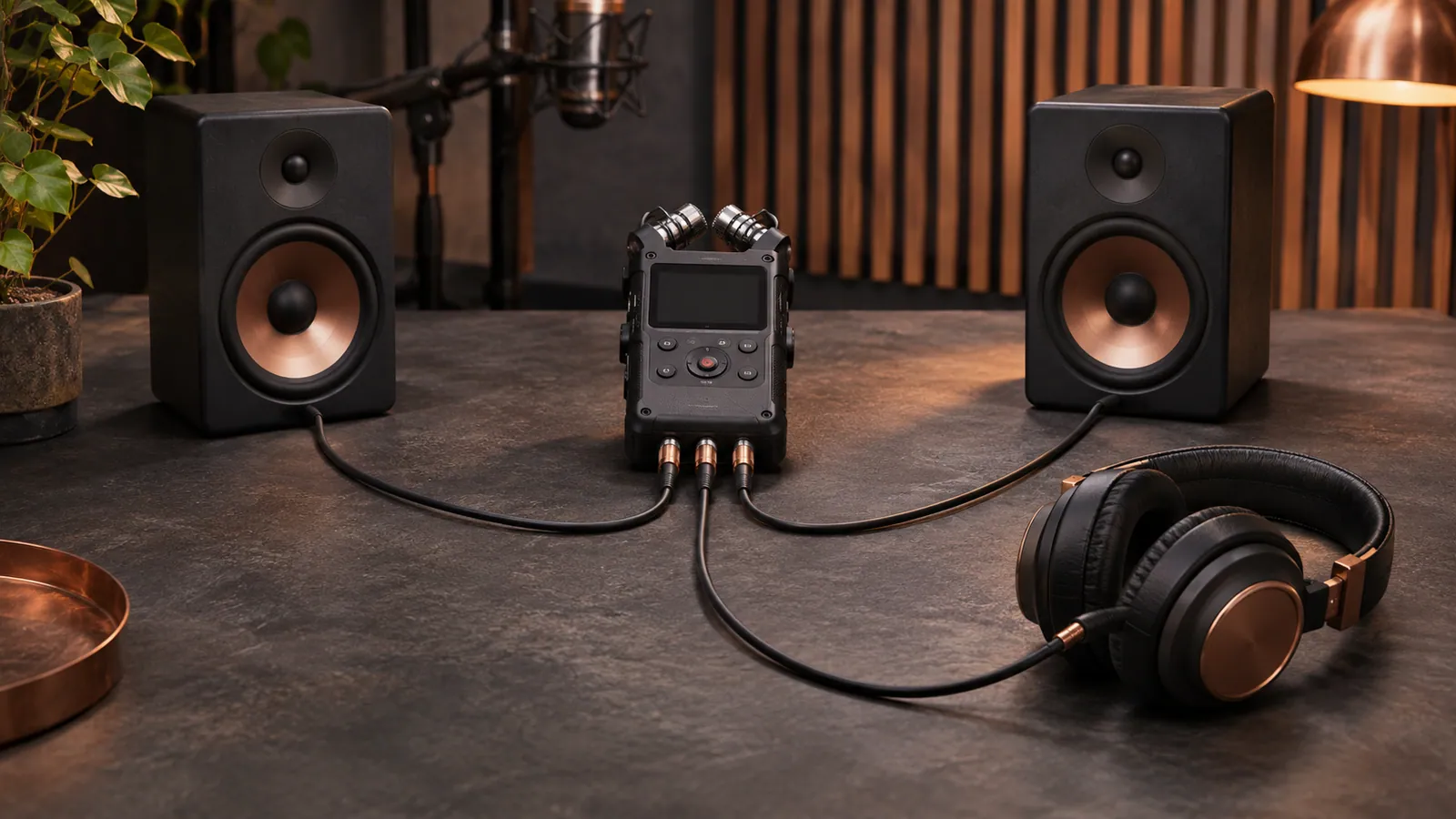
A podcast RSS feed is the host-maintained distribution record for show and episode metadata and media. Editorial creation tools can prepare an episode, but a verified hosting route and directory submission are separate requirements.
Know what the feed actually does
A podcast feed is an XML record maintained by the hosting route. It tells a listening service what the show is called, which episodes exist and where eligible media and artwork can be fetched. Spotify describes its feed as carrying titles, descriptions, audio links and artwork. A brand may use a separate editorial workspace to produce a polished episode, but the feed still needs a host and maintained metadata. Decide who owns the feed before publishing so the show can be updated or moved responsibly.
Check the first episode and technical path
A feed that opens in a browser may still fail a platform's validation. Apple's RSS requirements include required tags, artwork and at least one episode for submission. The host must serve media in a way listening clients can access. Verify enclosure URLs, artwork availability, content type and actual playback from outside the editor's account. Test the episode after an update; a successful dashboard save does not prove the publicly served feed is correct.
Separate feed availability from directory presence
A public RSS URL lets a listener follow a show directly in some apps, but listing in a major directory involves its own submission and review. Apple's submit-a-show guide describes rights confirmation, contact information, feed validation and a review process. Spotify notes that enabling a Spotify-hosted feed for other platforms does not automatically submit the show to each destination. Put each directory in a release checklist with an owner and observed status. Do not describe a show as 'everywhere' when only one service has confirmed publication.
Protect contact and ownership details
Spotify warns that enabling its RSS feed can expose the email address in the feed. Use a deliberate public contact address if the chosen host exposes one. Keep account access, ownership, renewal and transfer procedures documented. Avoid giving several vendors overlapping authority to edit the show feed without a clear owner. Before switching hosts, verify redirect and preservation support with the actual providers rather than assuming old episode links will continue to work.
Make metadata serve the listener
A feed's title, description and categories should describe the show as it is, not as an aspirational keyword list. Episode descriptions should match the final audio. Correct a wrong guest name or dated claim at the source of truth, then verify downstream refresh. Keep references and transcript links stable when the host permits them. If directory descriptions differ, document the reason and review them periodically.
Keep creative files and feed ownership distinct
A team evaluating Penguin ePulse Podcast Studio may create a source-led brief or review an audio draft in Editorial Desk. It should not assume that the draft has a feed. Record the export owner and final audio version, then choose a host that can serve the enclosure, maintain show metadata and support a future migration. The Ask Penguin workflow has no established RSS hosting, directory publisher or migration service; each of those requires a separately verified account and public readback.
Plan for ownership changes
Record where the canonical feed lives, who can edit it, and how a future host migration would be handled. Keep the show's contact email and artwork under an account the organization controls. A host change should preserve episode identifiers and use the redirect or migration method the services support. Do not create a second feed merely to solve an access problem; duplicate show records can fragment subscribers and analytics. Document the current feed URL and validate it after every major hosting change.
Feed ownership test
Write down the feed owner and the public feed URL before anyone submits the show to a directory.
Separate feed validation from public listing
A valid XML response is only the first check. Verify that the feed contains the intended episode, that the enclosure media can be fetched, and that metadata appears correctly in the directory preview. Submission may require review and may not publish instantly. After acceptance, inspect the public show page and play an episode. Keep the directory receipt, public URL and crawl state separate in the release log. That distinction is especially useful when a team prepares the editorial content in one workspace and distributes through another provider.
Example: separating production and distribution
A marketing team may draft an interview, generate an approved script, edit audio and prepare artwork in several tools. None of those steps owns the RSS feed by default. The team then chooses a host, uploads the final audio and metadata, enables the feed where applicable, and submits or claims the show in directories. Record which service can update the feed and which directory accounts display it. If the same show is submitted by two people through different routes, the team may create competing records. A single source of truth for the feed and release log prevents that confusion.
Validate a migration before announcing it
When changing hosts, first confirm the new feed contains the same intended catalog and stable metadata. Follow the old and new providers' supported migration instructions, including any feed redirect. Check that media plays and that at least a sample of episodes appears correctly in the major listening destinations. Keep the old account accessible until the migration is visibly complete. Record any platform-specific delay as a pending state rather than saying the move is done. Readers should still find the show at its public destinations after the handoff.
Understand which fields are editorial decisions
A feed contains technical structure, but the team still owns the clarity of its title, episode description and artwork. Names should identify the show consistently across the host, site and directory accounts. Descriptions should describe what an episode actually answers, not stuff keyword variants into metadata. Artwork must meet the chosen platforms' current requirements and remain legible at small size. Keep a copy of the approved text and media URLs in the release record. If a directory caches an older version, the team can then tell whether the host feed was updated and whether the destination simply has not refreshed yet.
Do not assume that changing a local draft changes an existing feed. The person with access to the host must publish the update, then inspect the feed and public show page. This is an account and distribution step, separate from creative preparation.
Check for duplicate-show risk
Before a second directory submission, search the destination for the current show name and inspect any existing listing. Another team member or previous host may already have submitted the feed. If a listing exists, determine whether it is the same feed and which account controls it. Claim or update through the destination's supported process rather than creating a competing entry. Keep the exact feed URL and public listing in a shared release log. This protects subscribers and avoids reporting a new listing as proof that all existing listeners moved to the right feed.
When a directory still shows old artwork
First inspect the host feed to see whether it contains the approved new image and metadata. If the feed is current, the directory may be caching an older version or require a refresh process. If the feed is stale, correct it at the host rather than repeatedly editing a local production brief. Record what each public destination displays and when it was checked. This is a concrete case where a successful edit in one tool does not prove that listeners see the change.
More questions
Does a podcast need an RSS feed?
Many open podcast distribution routes use one, while some platforms also support account-specific publishing. Check the selected host and destination requirements.
Will enabling an RSS feed list the show on every app?
No. A feed can be available without being submitted, validated and approved by each directory.
Can Penguin ePulse host a podcast feed?
Hosting is not a verified public capability. Its Podcast Studio supports production and review.
How can a team avoid duplicate podcast listings?
Search the destination for an existing show and compare feed URLs before submitting again. Use the platform’s claim or update process if the same show is already listed.
Put the guide to work.
Feed and directory handoff log
Download the editable worksheet. It includes two illustrative examples and blank planning rows. Replace the examples with your own verified information.
Download the worksheet (CSV)References and source scope
- Finding and enabling your RSS feed
RSS feed creation, enabling and third-party submission limits.
Spotify · Checked 2026-11-03 · Public source material. - Podcast RSS feed requirements
Technical and content requirements for an RSS-submitted show.
Apple Podcasts for Creators · Checked 2026-11-03 · Public source material. - Submit a new show
Submission, validation, content-rights and review flow.
Apple Podcasts for Creators · Checked 2026-11-03 · Public source material.