
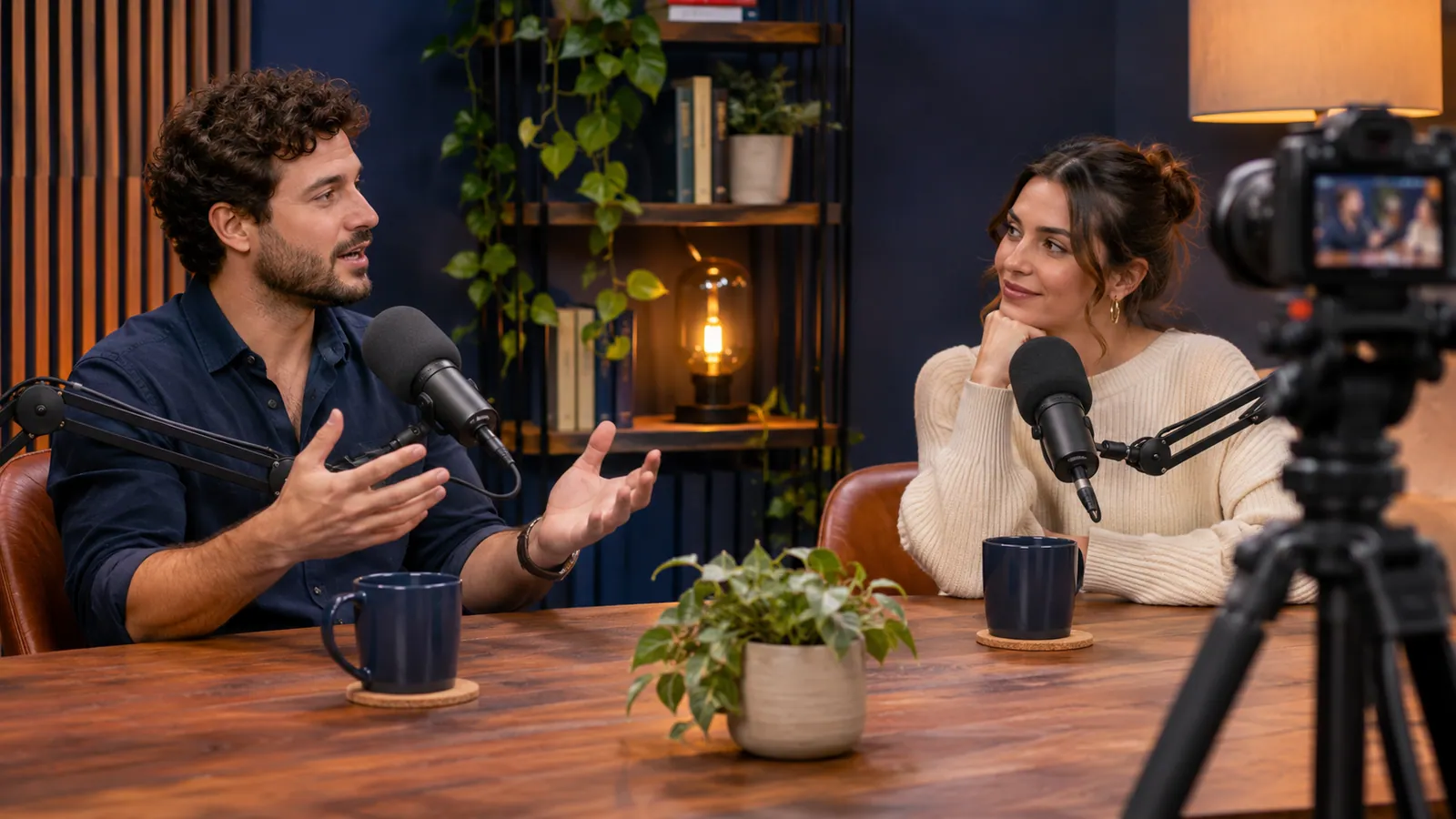
A video podcast is worthwhile when viewers gain something from seeing the discussion, demonstration or chart. Plan clear audio, accessible captions, rights review and a real publishing route; a camera alone does not make an episode more useful.
Ask what the picture contributes
A static recording of faces can add value when expression or a live demonstration matters. It can also create more work without improving the listener's understanding. Write down the moment a viewer should see: a product workflow, a chart being explained or a physical demonstration. If those moments are absent, a strong audio episode with useful notes may be the better investment. Decide whether the recording must also work for audio-only listeners; describe visually important material aloud when appropriate.
Design audio first
Weak sound is difficult to excuse in a conversation-led format. Check individual microphones, room noise and remote guest connections before setting camera angles. Create a backup audio path. If the show includes a screen demonstration, ensure sensitive accounts and customer data are hidden in both the recording and the clip export. Rights to music, footage and guest likeness need the same attention as the spoken script.
Plan destination-specific assets
YouTube's podcast guide describes a podcast as a playlist in YouTube Studio, with episodes represented by videos. It asks for show details and a square podcast thumbnail. A video podcast sent to a different host follows that host's own processing and specification rules. Spotify's video replacement guidance describes a hosted-show route with MP4 or MOV files and notes that the route differs for externally hosted shows. Do not assume a single export or feed distributes the same video everywhere.
Make the edit accessible and honest
Add accurate captions, check on-screen text contrast and write a description that reflects the final conversation. Do not place a critical explanation only inside a tiny graphic. If a realistic synthetic segment or altered footage is used, review the destination's disclosure policy before publishing. A short highlight must preserve the original speaker's meaning; a cut that reverses a qualification can damage trust faster than a low-view episode.
Measure video and audio separately
Watch time, retention and traffic source in a video dashboard answer different questions from audio listening metrics. YouTube offers podcast analytics for its podcast playlists; this does not turn views into cross-platform listeners. Compare similar formats and note the audience's context. If viewers leave during a slide-heavy section, test a clearer visual explanation rather than assuming the topic is weak.
Keep a video-podcast claim tied to the real route
Penguin ePulse has provider-dependent image and short-video creation in its content workspace, while Podcast Studio supports source-led audio preparation. Those pieces can support storyboards or excerpts, but they do not establish public full-length video-podcast recording, hosting or directory delivery. For a proposed show, test the video file, caption track and show metadata on the intended host. The content workflow can support suitable social assets where permissions allow.
Define an edit that works in two formats
Video and audio listeners should be able to follow the central argument. Ask speakers to describe a chart's important comparison rather than saying “as you can see.” Use graphics only where they clarify a claim, and include readable captions. For short clips, preserve enough context to avoid changing the guest's meaning. Check the crop at common vertical and square sizes before approving text placement. A video podcast has extra failure modes: camera sync, visible private information, music rights and frame quality all need review.
Audio-only check
If the core explanation disappears when the screen is off, revise the narration for audio listeners.
Test the real release route
YouTube, Spotify and a podcast host may accept different file types and treat episodes differently. Uploading an MP4 to a social account does not automatically create a podcast show. Decide which platform owns the canonical episode and which destinations receive excerpts. Inspect the public player, title, thumbnail, captions and description after release. Track each destination's receipt independently. If the team cannot maintain both a full video cut and an accessible audio version, a simpler audio-led format may create more consistent value.
Example: a visual explanation worth filming
An expert might compare two dashboard views to show why raw mention volume and source-adjusted trends can lead to different decisions. The camera adds value when the expert points to the exact source change on screen. Capture a clean product state, blur account details and provide the chart's meaning in spoken language. In the edit, pause long enough for a viewer to read labels, then offer the source and methodology in the description. A clip of the speaker's face alone would not explain the difference. The visual has earned its place because it carries a specific part of the argument.
Choose the canonical home of the episode
A team might publish the full video on a supported video destination and provide an audio version elsewhere. Decide which page receives corrections, which link is used in promotion and who owns each account. If different destinations display different descriptions or captions, keep an approval record for each. A production studio can help prepare the media but should not be described as having hosted or distributed it unless that capability has been tested. After the release, open each public destination and confirm playback and metadata.
Decide what to film before buying equipment
Make a two-column brief: moments where seeing the subject changes understanding, and moments where sound alone is enough. A software walkthrough may need screen capture and callouts, while an interview about policy may need almost no visual detail beyond the speaker. This brief tells the production team whether it needs two camera angles, a screen recording or simply clean audio. It also helps avoid long stretches of static faces framed as a visual feature. Lighting and framing should make people comfortable and readable, but the argument remains the reason to watch.
Protect the actual demonstration. Use a demo account rather than live customer data, check browser tabs and notifications, and identify any numbers that are illustrative. Record the current product version and obtain permission for third-party marks. A polished but inaccurate screen can damage credibility more than a simple diagram.
Produce a caption and clip plan
Captions should be checked for names, numbers and technical terms, not merely generated and uploaded. Design the lower part of the frame so captions do not cover charts or interface controls. For short clips, select one complete answer with enough setup and caveat to stand alone. A vertical crop may require a separately edited screen capture rather than a center crop of a wide dashboard. Keep a link to the full episode and cited source in the description where the destination allows it. Verify the public video after upload because different players can process captions and thumbnails on different schedules.
When a guest appears on camera
Agree before recording whether the guest may review excerpts that show their face and whether the footage can be used in advertising. A consent to join a long interview may not cover a cut that changes context. Capture a clean name and role label, check whether a background screen exposes private information and reserve space for captions. If the guest later requests a factual correction, the team should know which full video, audio version and social clips contain the passage.
More questions
Is a video podcast automatically a YouTube podcast?
No. YouTube uses a designated podcast playlist; the creator must set it up and add eligible full video episodes.
Can one video file go to every podcast service?
Do not assume that. Hosts and directories have different support, specs and distribution routes.
Do social video views equal podcast audience?
No. Social views, YouTube watch metrics and audio plays have different definitions and should be reported separately.
Do I need video for a podcast?
Only if the image adds a demonstration, expression or visual argument the audience needs. Clean audio, clear notes and an accessible transcript may be a better first format when the video adds little.
Put the guide to work.
Video podcast production map
Download the editable worksheet. It includes two illustrative examples and blank planning rows. Replace the examples with your own verified information.
Download the worksheet (CSV)References and source scope
- Create a podcast in YouTube Studio
Podcast playlist setup, video episode representation and analytics.
YouTube Help · Checked 2026-11-03 · Public source material. - Replacing an existing episode with video
Current hosted-show video replacement and file requirements.
Spotify · Checked 2026-11-03 · Public source material.