
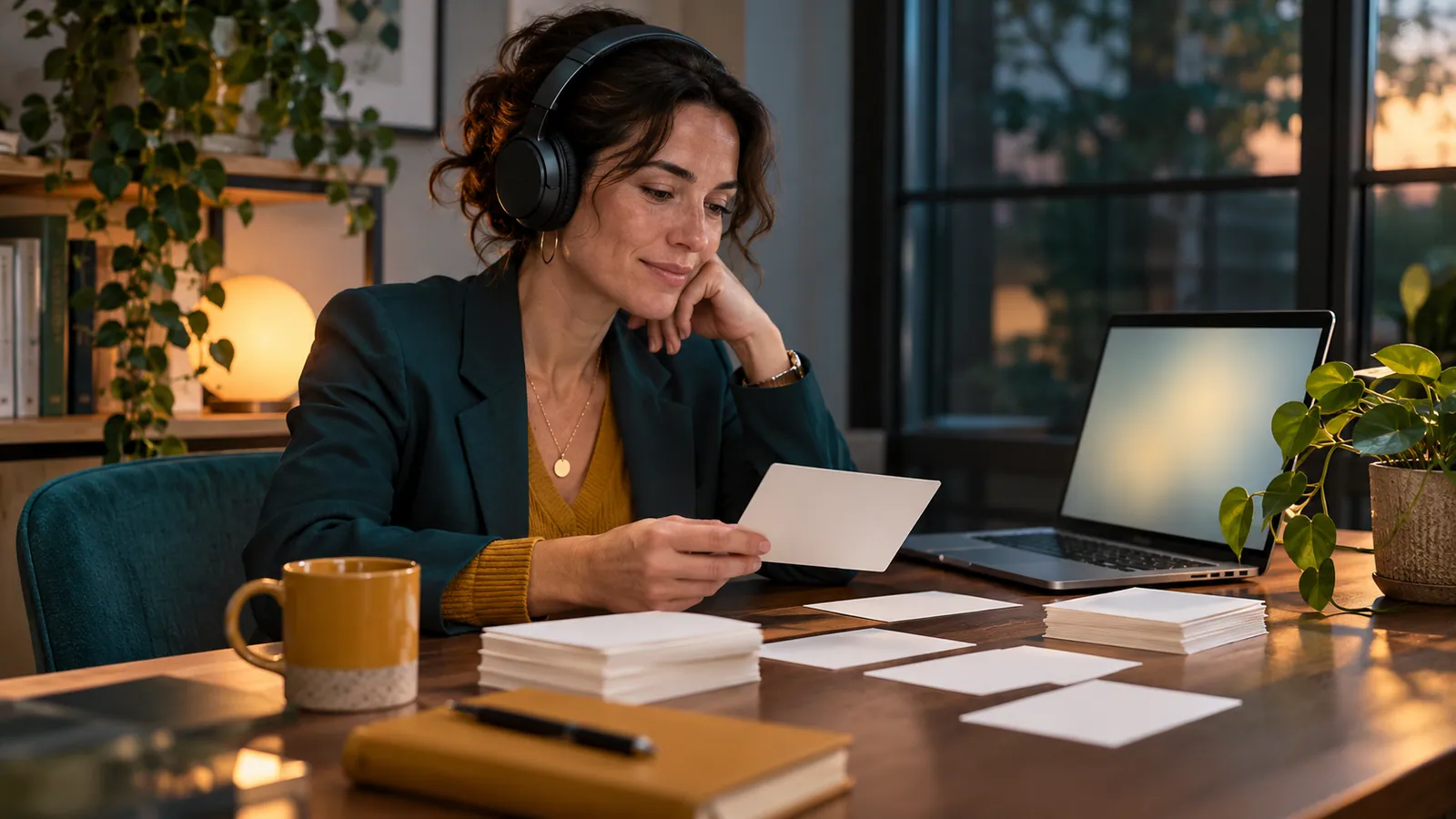
Webinar content repurposing begins with the final recording and actual audience questions. Turn verified answers into a recap, FAQ, annotated demo or excerpt, with timestamps, permissions and source checks.
Start with the final recording
A webinar agenda describes what the team intended to cover; the final recording shows what was actually answered. Listen for moments where the presenter made a useful distinction or a participant asked an unexpected question. Flag statements that need a source or correction. Do not pull an attractive quote from an answer that immediately qualified it. The first job is to know which parts are safe and useful to carry forward.
Build an answer inventory
List each real audience question, the speaker's answer, timestamp, cited evidence and any unresolved issue. Give the subject expert a chance to clarify before turning the answer into an evergreen page. A question that was only partially answered might become a follow-up interview rather than a confident FAQ. Keep speaker identity and audience privacy in view; anonymous attendee questions should not be attributed to a person without permission.
Choose outputs by reader need
A corrected transcript helps someone search a detailed explanation. A concise answer page helps a person who has one question. A clip can show a process or a strong exchange, while a downloadable checklist helps the audience apply the method. Each needs its own introduction and a link back to the source context. Copying the same webinar transcript into several lightly changed pages offers little additional value; Google's people-first content guidance favors distinct usefulness.
Prepare video and text access
If the video has a public watch page, describe it accurately and supply an accessible thumbnail. Google's video guidance explains that a watch page must be indexable and the video discoverable for video features; schema alone does not force indexing. Caption clips and review speaker names and technical terms. LinkedIn documents an SRT caption route for desktop video uploads. Check the chosen platform's current controls before release.
Measure the learning path
Separate sign-ups, live attendees, replay viewers, clip views and qualified follow-up. A large number at the top of the funnel may conceal that the answer page did more practical work. Ask which piece led a real person to a better decision. Test the clarity of the headline and the placement of the worksheet rather than manufacturing more posts from the same recording.
Keep the webinar recording outside the draft
Penguin ePulse FAQ & Webinar Studio supports turning approved source material into reviewable question-and-answer drafts. A team must still capture the original webinar in its actual meeting or hosting tool, obtain reuse permission and identify the exact timestamp behind an answer. The AI workspace overview describes the drafting environment; it does not establish webinar hosting, automatic import or a public one-click campaign generator.
Create a follow-up asset map
One webinar can lead to a question-led recap, a source-linked FAQ, an annotated demonstration and a short clip, but only if those formats answer different needs. Map each asset to its original timestamp, owner and review state. A technical demonstration may need updated screens before reuse. A participant's question may need anonymization or consent. The recap should describe the actual answer, not the promised agenda. This asset map also helps a team correct every derivative when a presenter later revises a claim.
Unanswered question check
A question left unanswered on the live call should become a follow-up, not a confident FAQ.
Measure usefulness after the event
Attendance says little about whether someone solved a problem. Look for repeat questions, use of a linked checklist, qualified follow-up conversations and search visits to a precise answer page. Distinguish those observations from attributed revenue. If a FAQ attracts readers but still leaves the same question unanswered, revise the page and point to the specific video moment or source. A small, well-edited answer library may provide more long-term value than a large archive of full-length recordings with no navigation.
Example: an audience question becomes a guide
A participant asks whether a rise in comments means a campaign is gaining relevance. The presenter gives a partial answer about sentiment and reach. After the event, the editor checks the recording and works with the expert to add source coverage, comparable periods and sample review. The published guide can then answer the stronger question: what evidence would justify changing the campaign? Link the relevant timestamp and describe the additional review. Do not present the fuller answer as if it was spoken live. That transparency gives the reader both a route to the original and a better final explanation.
Set a reuse permission boundary
Confirm whether speakers agreed to clips, quotations, image use and public transcripts. If an attendee asked a question, avoid publishing a name or identifying detail without permission. For software demonstrations, remove tokens, personal data and customer examples that were visible only to a live audience. Review captions for names, numbers and negations. A reusable asset needs its own approval because a recording shown in a closed session may have had a different audience and context from a public page.
Maintain one source inventory for every reused answer: final recording timestamp, named speaker, approved wording, factual reference, privacy status and review owner. When the original recording is corrected or withdrawn, the inventory reveals which derivative pages and clips require the same treatment. Without that trace, an evergreen FAQ can quietly preserve a live-session mistake long after the event.
Separate live answers from later research
A webinar presenter may say, “I would need to check that,” and then give a provisional explanation. The published recap should preserve that uncertainty. A later guide can contain the researched answer, but it should explain that the verification happened after the event. Link the relevant original timestamp and the new source. This distinction matters when a clip is shared without the live context. It also lets an expert correct themselves without pretending they were certain in the first place.
For a technical demonstration, compare the recorded interface with the current product. If labels or permissions changed, a current annotated screenshot may be more helpful than a cut from the recording. State what date the demo shows and keep a reviewer for future changes. Do not stitch old and new screens into one seamless “live” demonstration.
Design an answer library people can navigate
Group the approved questions by the decision a reader needs to make, not by the order speakers happened to answer them. Each answer page can include the short response, method, primary source, timestamp and next useful question. Avoid creating dozens of near-identical pages from one recording. A full video can remain available for context while a smaller set of durable guides makes the strongest answers easy to locate. After a few weeks, inspect which questions readers still ask. Update the answer that failed rather than publishing another thin page on the same phrase.
When two questions are really one
A webinar may include separate questions about social listening coverage and sentiment accuracy. If both depend on the same source-audit method, one well-structured guide with clear subheadings may be more useful than two thin pages. Preserve each original question in the answer inventory and link to the relevant section. Only split the topics when they require different evidence or actions. This keeps the knowledge base navigable and reduces the chance that two pages drift into contradictory advice.
More questions
What should be repurposed from a webinar first?
Start with the question or explanation that clearly helped the intended audience and can be supported by the final recording.
Can a transcript be posted as a finished article?
A raw transcript is useful for access, but an article should add structure and answer a distinct reader question while preserving the source.
Will video schema index a replay?
No. It can describe eligible video content, but Google still controls crawling and indexing.
Should every webinar question become a separate page?
No. Group related questions by a real reader decision and create separate pages only when each answer has enough distinct evidence and practical value to stand alone.
Put the guide to work.
Webinar answer inventory
Download the editable worksheet. It includes two illustrative examples and blank planning rows. Replace the examples with your own verified information.
Download the worksheet (CSV)References and source scope
- Creating helpful, reliable, people-first content
Original value, author identity and audience usefulness.
Google Search Central · Checked 2026-11-03 · Public source material. - Video SEO best practices
Discoverable video pages, thumbnails and metadata requirements.
Google Search Central · Checked 2026-11-03 · Public source material. - Add Closed Captions to Videos on LinkedIn
Desktop video caption upload route.
LinkedIn Help · Checked 2026-11-03 · Public source material.
Continue with a related decision.
- Content Marketing: Connect Audience Questions to Business Decisions
- B2B Content Marketing: Build Proof for Every Buying Question
- Podcast Script Template: Build a Conversation, Not a Monologue
- Social Media Scheduling Without Losing Editorial Control
- Make a Social Media Marketing Strategy Survive Monday Morning