Interview for the argument
Thought Leadership Studio
Ask what changed, why it matters and where reasonable people disagree.
 Penguin ePulse
Agency / Thought Leadership Studio
Turn an approved client expert interview into reviewed long and short formats with Penguin ePulse Thought Leadership Studio.
See this workflow in a demo
Anchor the program in a real expert argument, preserve source attribution and let the client review every format before a channel publishes it.
A client has a strong executive perspective but the agency receives only fragmented notes and generic messaging. Repeating the same unsupported claim across formats would make the campaign sound confident without being useful.
In the Thought Leadership Studio, combine an expert interview with approved evidence and produce editable drafts. The client owns factual approval and channel release. Do not invent an endorsement, customer outcome or independent validation.
Use this view to frame a real evaluation with your team. The industry scenario is illustrative; the screenshot shows Demo Brand example data.
Explore Editorial Desk →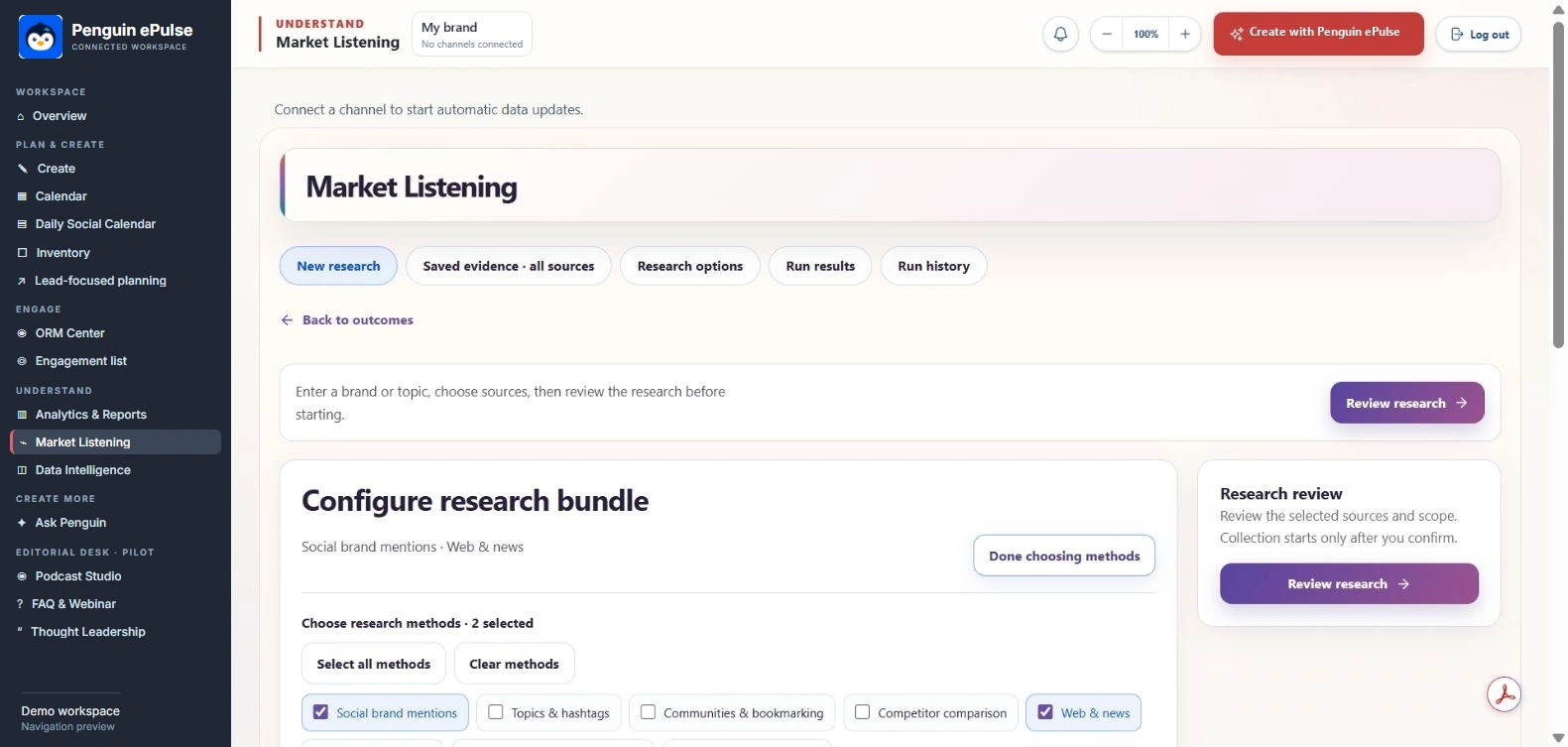
Thought Leadership Studio
Ask what changed, why it matters and where reasonable people disagree.
Thought Leadership Studio
Attach approved product, research and client evidence to each key statement.
Thought Leadership Studio
Prepare a long perspective and short channel variants without flattening the original idea.
Thought Leadership Studio
Resolve corrections, material relationship disclosure and publication rights before scheduling.
Look for substantive replies and qualified questions from the intended audience. A batch of drafted posts is production output, not audience impact.
Related guidance: FTC guidance on material relationship disclosures. Check the current source and your own review requirements before publication.
See the relevant Penguin ePulse feature, or bring this workflow to a demo.
No automatic publication is promised; human review and channel permissions decide release.
No. Sign in to your workspace to open Editorial Desk.