Lock the public message
Confirm the audience, date, contact route and approved health wording.
 Penguin ePulse
Plan clear healthcare education posts, images and short videos with Penguin ePulse content tools while keeping medical review and provider access visible.
See this workflow in a demo
Use one approved health message to prepare channel-specific visuals, then review the actual image, captions and video before scheduling any post.
A community health campaign needs a poster, a short clip and a set of social posts. The event date changes after the first visual is designed. If variants live in separate folders, an outdated file can reach the public channel.
Put the approved message and dates in a campaign brief. Draft and review the media in the creation workflow, keep the selected version in Inventory, and schedule only after the responsible healthcare reviewer signs off. Media generation depends on enabled provider access and rights.
Use this view to frame a real evaluation with your team. The industry scenario is illustrative; the screenshot shows Demo Brand example data.
Explore content creation →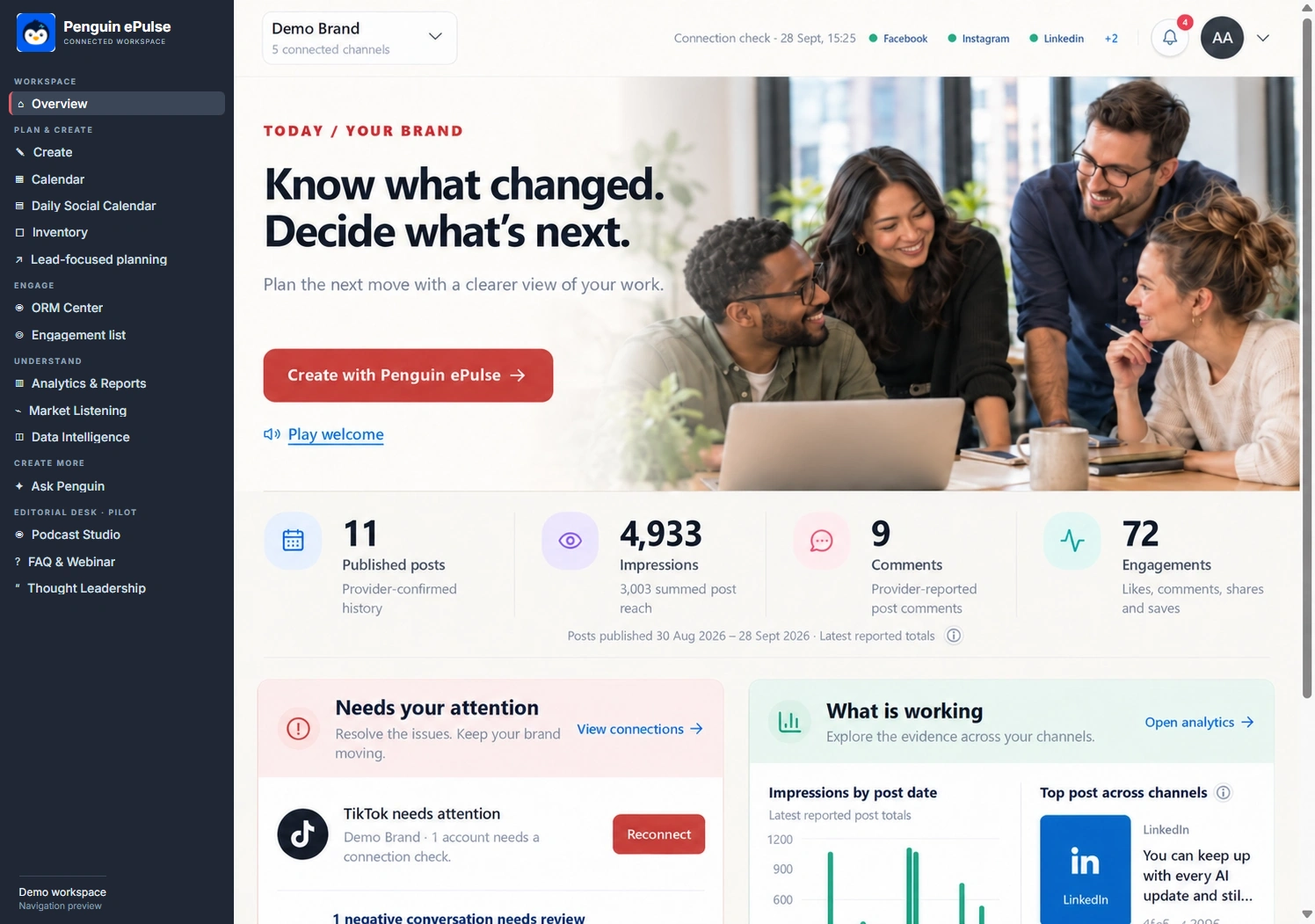
Confirm the audience, date, contact route and approved health wording.
Prepare a static visual and a short video format. Give each a clear caption, image alternative and text that remains readable on mobile.
Check every visible claim and contact detail against the approved source; retain the selected version in Inventory.
Assign the channel and publish date, then verify the connected identity and final approval.
Compare approved assets against what actually published, then track useful service inquiries separately from reach. A visual alone is not evidence of changed health behavior.
Related guidance: CDC plain-language health communication. Check the current source and your own review requirements before publication.
See the relevant Penguin ePulse feature, or bring this workflow to a demo.
No. Use approved, clearly illustrative imagery unless a real person has given the required permission.
Availability depends on the enabled media provider, format and rights for that workspace.