Choose the decision
Define the buyer role, the technical question and the desired next step.
 Penguin ePulse
Connect launch content, social conversations and a clear lead objective in Penguin ePulse without promising automatic prospect capture or CRM actions.
See this workflow in a demo
Define the buyer question and next action first; then plan content, channel timing and response ownership around that objective.
A software launch has a feature announcement, an expert demo and a sequence of social posts. The team reports reach, but no one can explain which content helped a buyer request a technical conversation.
Use the Daily Social Calendar to connect the objective, content and response owner. Review conversation context in the workspace. Exact-person contact enrichment and CRM handoff are separate, access-dependent actions rather than automatic launch outcomes.
Use this view to frame a real evaluation with your team. The industry scenario is illustrative; the screenshot shows Demo Brand example data.
Explore lead-focused planning →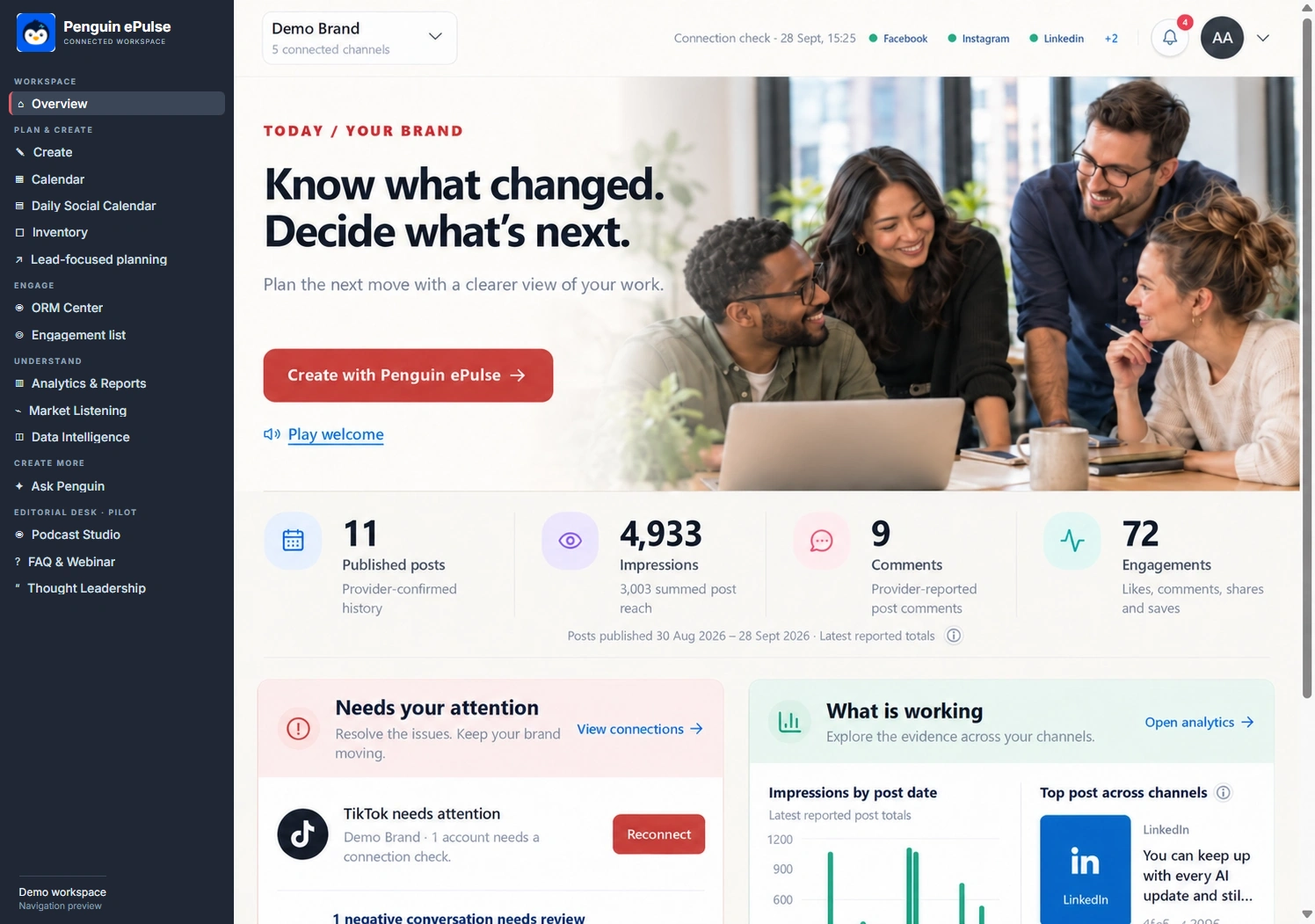
Define the buyer role, the technical question and the desired next step.
Plan an announcement, proof-led explanation and answer to a common objection.
Assign who handles comments, demo requests and unresolved integration questions.
Compare relevant replies and requested conversations with the content that prompted them.
Count qualified requests and useful technical questions by campaign, separately from impressions or generic engagements.
Related guidance: Google guidance on helpful, people-first content. Check the current source and your own review requirements before publication.
See the relevant Penguin ePulse feature, or bring this workflow to a demo.
No. It helps plan around a lead objective; collection and follow-up depend on the chosen channel and authorized workflow.
No. Confirm integrations and permissions for the specific workspace.