Scope the questions
FAQ & Webinar
Separate general education questions from product-specific, patient-specific or safety-related requests. Record where each question arose and the audience it serves.
 Penguin ePulse
pharma / FAQ & Webinar
Organize pharma public questions into a source-reviewed FAQ and webinar draft. Editorial Desk is available to signed-in workspace members.
See this workflow in a demo
An education team sees the same public question in comments, event registrations and field notes. A quick answer assembled from memory may conflict with approved material. The team needs one place to group the questions, identify the source for each answer and hand a reviewable draft to medical and legal owners.
Begin with the approved source, then organize a reader-first answer set. The FAQ & Webinar Studio can prepare editable formats; it is not a medical approval or adverse-event intake system.
Use this view to frame a real evaluation with your team. The industry scenario is illustrative; the screenshot shows Demo Brand example data.
Explore Editorial Desk →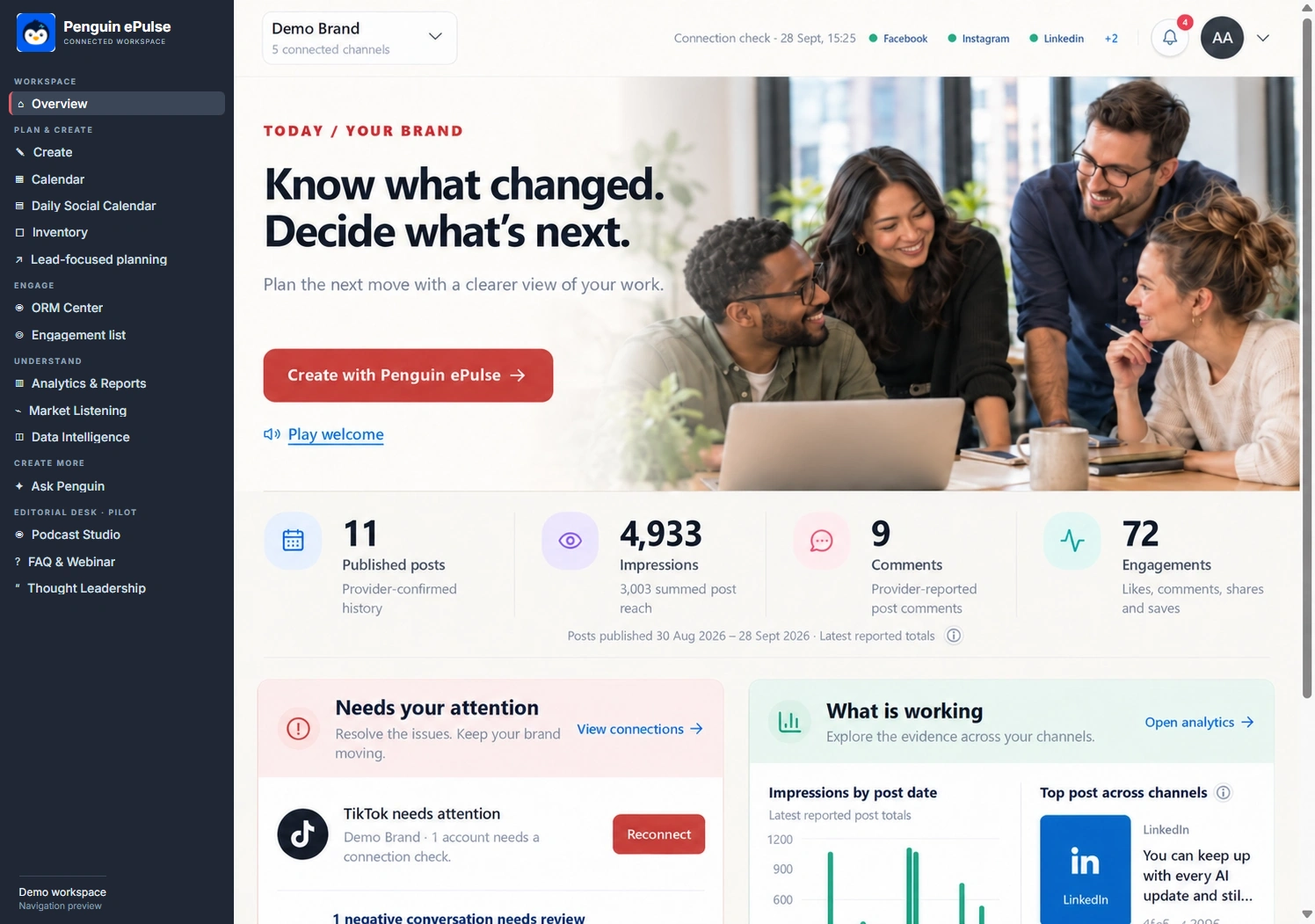
FAQ & Webinar
Separate general education questions from product-specific, patient-specific or safety-related requests. Record where each question arose and the audience it serves.
FAQ & Webinar
Provide current approved material to the pilot workflow. Keep each proposed answer traceable to its source and mark any gap that requires a specialist.
FAQ & Webinar
Arrange the questions in a natural teaching order, then have medical, legal and regulatory owners review claims, wording and regional restrictions.
FAQ & Webinar
Only use the final reviewed version in an authorized event or channel. Keep the review record outside the social workspace as required by the organization.
Review whether recurring public questions receive an approved, findable explanation. Count unanswered or escalated questions separately; do not treat a draft or attendance count as clinical impact.
For the relevant external guidance, review FDA prescription drug advertising guidance. Confirm current requirements with the responsible specialist before publication.
See the related Penguin ePulse feature, or discuss your workflow in a demo.
No. Qualified medical, legal and regulatory reviewers retain authority over claims and publication.
No. Sign in and select your workspace to open Editorial Desk.