Find the underlying question
Read the original posts and group genuine product-use questions.
 Penguin ePulse
Use Penguin ePulse listening signals to frame a retail creative brief, then review provider-enabled image variants before launch.
See this workflow in a demo
Inspect the original customer conversation, decide whether the theme is real, and use the verified question to shape a useful visual rather than copying a trend blindly.
Customers repeatedly ask how a product fits into everyday use. The creative team wants to respond quickly, but a few enthusiastic comments do not establish broad demand or permission to reuse customer photos.
Review public signals in Market Listening, confirm product facts with merchandising, then prepare image variants with approved media or an enabled provider. Keep customer permissions and commercial claims visible.
Use this view to frame a real evaluation with your team. The industry scenario is illustrative; the screenshot shows Demo Brand example data.
Explore Market Listening →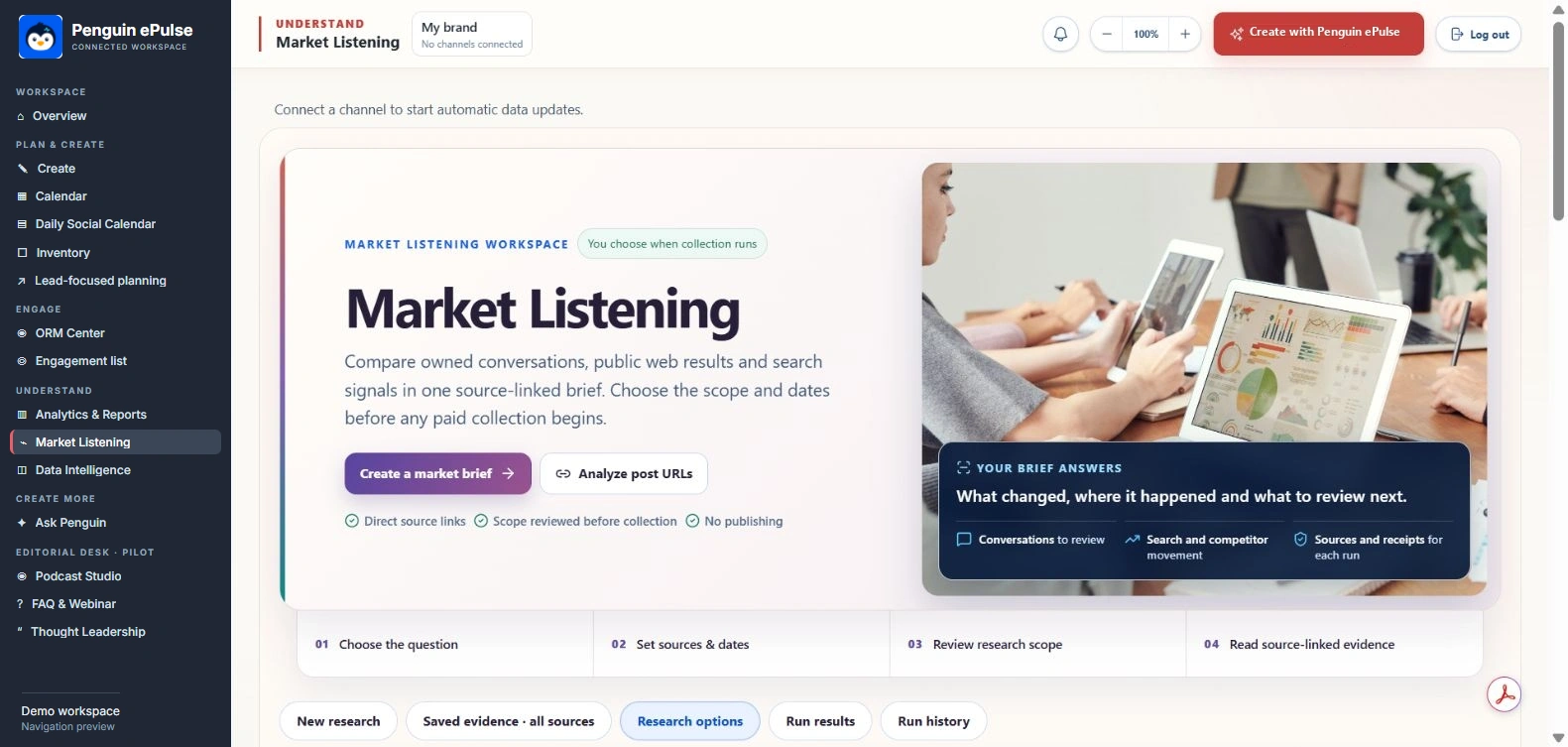
Read the original posts and group genuine product-use questions.
Confirm sizing, materials or availability with the product team.
Create a product explanation image with accessible alt text and the approved claim.
Check rights, visible copy, channel format and the response owner.
Assess whether the new asset answers the verified question and reduces repeated confusion. Do not label a handful of posts a consumer trend without context.
Related guidance: W3C guidance on image alternatives. Check the current source and your own review requirements before publication.
See the relevant Penguin ePulse feature, or bring this workflow to a demo.
Public visibility does not automatically grant usage rights; obtain the required permission.
No. Listening signals need context and external validation.