
Penguin ePulse insights
Better questions.
Clearer social decisions.Page 4 of 7
100 practical guides to social analytics, brand listening, reputation management and marketing operations.
Showing 46–60 of 100 guides · Page 4 of 7
Social Media Reporting Tools: What to Automate and Review
Evaluate social media reporting tools with failed-report tests, data definitions, review controls, export checks, and a practical automation boundary.

Agency Client Reporting: Make Scope and Recommendations Easy to Review
Agency client reporting should make the agreed scope, observed results, and proposed next work easy to review.
Social Data Storytelling: Explain the Finding Without Overstating the Evidence
Social data storytelling should help a reader understand a finding and decide what to do with it.
Social Media Benchmarking When a Fair Benchmark Does Not Exist
Social media benchmarking is useful only when the comparison is relevant to the decision and its differences are visible.

Social Report QA: Validate the Export Before It Leaves the Team
Social report QA verifies that the report a recipient receives represents the intended accounts, dates, definitions, and evidence.
Social Media Marketing Strategy: Build Clear Operating Choices
Build a social media marketing strategy around audience needs, channel roles, sustainable work, measurement, and clear conditions for revising the plan.

Social Media Calendar: Readiness, Approvals, and Publication
Build a social media calendar that shows content purpose, dependencies, approved versions, timezones, response coverage, and readiness to publish.
Design a Social Media Approval Workflow Without Creating a Bottleneck
Design a social media approval workflow with clear review roles, risk routes, version control, and a visible release decision.
Social Media Scheduler Checklist: Verify the Post Before Release
Use a social media scheduler with account, version, accessibility, timing, and release checks. Separate scheduled status from confirmed publication.
Social Asset Management: Keep the Approved Version Easy to Find
Keep social assets identifiable through originals, adaptations, approved versions, usage conditions, and publication records.
Social Account Connections: Verify Permissions Before Promising a Workflow
Verify social account connections by account identity, native permissions, authorized scopes, supported actions, and recovery ownership.
Define Social Media Ownership Across Content, Community and Reporting
Define social media ownership with accountable decisions, handoff conditions, absence coverage, access boundaries, and change authority.
Plan Social Team Capacity From Workload, Not Posting Frequency Alone
Plan social team capacity using actual work stages, constrained skills, response coverage, work in progress, and explicit tradeoffs.
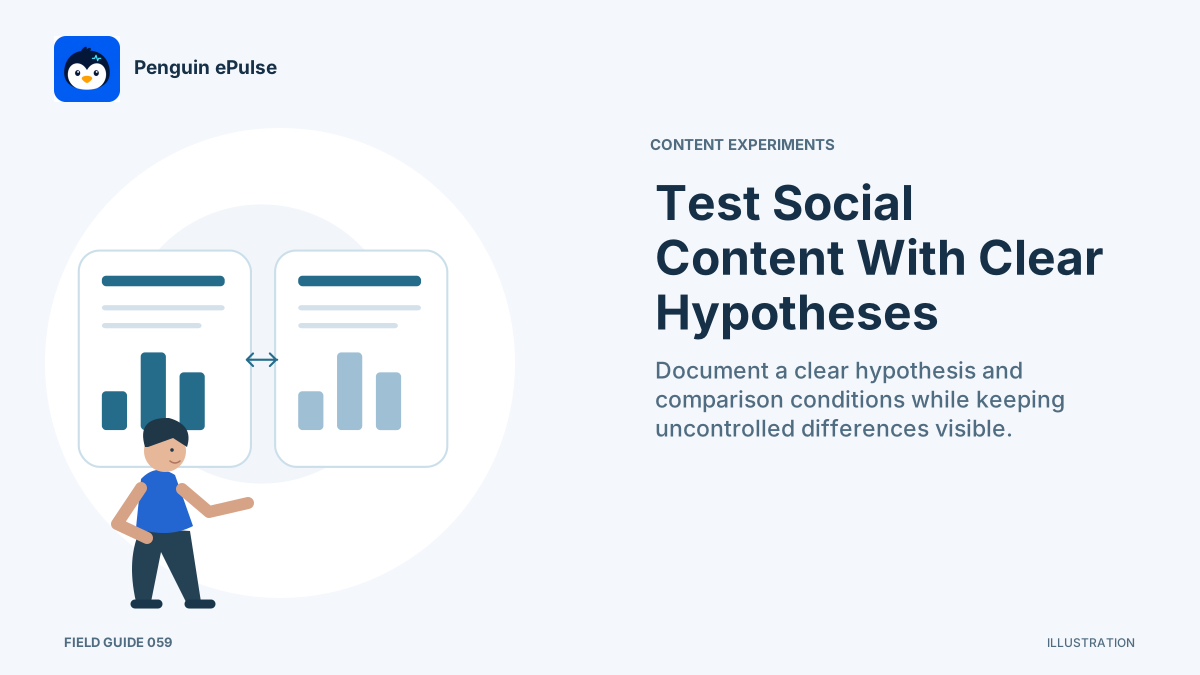
Run a Social Content Experiment With a Clear Hypothesis
Run a social content experiment with a defined hypothesis, comparison unit, observation window, measurement rule, and decision condition.

Repurpose Social Content Without Losing the Original Context
Repurpose social content by preserving its claim, context, permissions, accessibility, and useful answer in each new format.
No matching guides.